Last updated · Written and tested by the Seat Chart Generator team, who plan seating for real weddings, dinners and classrooms.
A seating chart template gives you the shape of the room before you know who goes where. Use a printable template when you like pen and paper, or when you want a backup at the venue. Use the editable template when your guest list is still changing: names, tables and the printed chart stay in sync automatically.
Which seating chart template should you use?
| Template | Best for | Seats |
|---|---|---|
| Round tables | Weddings, galas, banquets | 6 tables × 10 |
| Long tables | Family-style dinners, rehearsal dinners | 2 tables × 16 |
| Table list | Caterers, venue coordinators, quick planning | 12 tables × 10 |
| Classroom | Teachers, substitutes, exams | 30 desks |
How to fill in a seating chart template
- Choose a template. Download a blank PDF to fill in by hand, or use the editable template above to type names in.
- Count your tables. Divide your guest count by seats per table (8 for a 60-inch round, 10 for a 72-inch round) and add one spare.
- Fill in the names. Seat hosts and family first, then groups of friends. Online, paste your list and press Auto-seat.
- Print and display. Print the chart for the venue and an alphabetical list for the entrance so guests find their names fast.
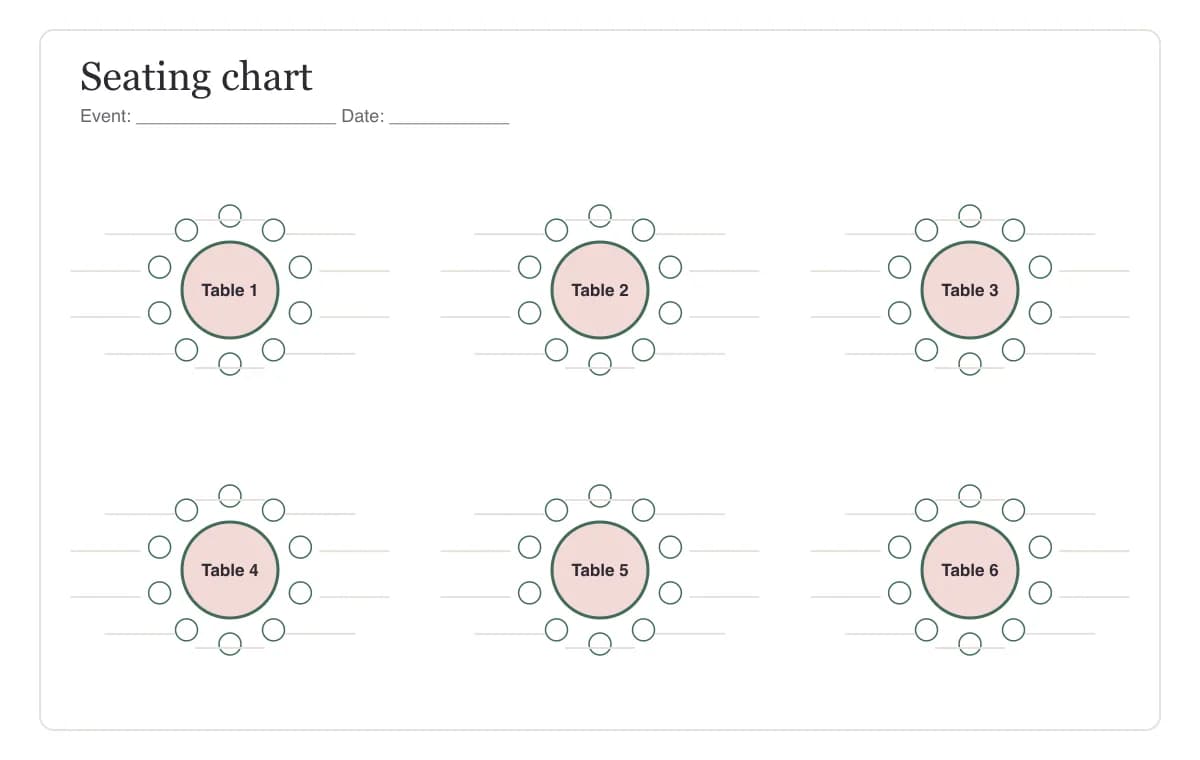
Printable vs. editable templates
Paper templates are quick for small parties, but every late RSVP means crossing out names. The editable template lets you paste your whole list, keep families together with auto-seat, separate guests who shouldn’t sit together and print three things at once: the floor plan, a list for each table and an alphabetical find-your-seat list. Wedding couples can start from the wedding seating chart generator, which adds a head table and printable place cards. Teachers can use the classroom seating chart generator.
Template tips
- Number tables from the front. Table 1 nearest the head table or stage makes the room easy to navigate.
- Leave one spare table in the plan for last-minute guests and vendors.
- Write in pencil on printed templates until RSVPs close.
- Give the venue the table list and guests the alphabetical list. They need different views of the same plan.
Need more than 40 guests, place cards or escort cards? The Event Pass is a single payment with no subscription.
Seating chart template FAQ
Are these seating chart templates free?
Yes. All four blank PDF templates are free with no watermark and no signup. The editable online template is also free for up to 40 guests.
What's the difference between the printable and editable template?
The printable templates are blank PDFs you fill in with a pen. The editable template is the online seating chart generator: you paste names, drag them between tables and print a finished chart, so RSVP changes take seconds instead of a reprint.
Can I edit a seating chart template in Word or Google Docs?
You can, but tables and names don't move together in a document. It's faster to edit online here and download the PDF, or to print a blank template and write the names in.
What size should I print a seating chart template?
US Letter works for planning and for the venue. For a display sign, export the finished chart and print it at 18×24 inches (up to about 120 guests) or 24×36 inches for larger events.
Is there a template for a classroom?
Yes. The classroom template has 30 desks in five rows with the front of the room marked. The online classroom seating chart generator can also shuffle students randomly.
How do I make a seating chart template for a wedding?
Start with the round-table template, or the online reception layout with a head table and round tables of 10. Group guests by family and friends, keep the couple's parents close to the head table, and print an alphabetical list for the entrance.